Camera Settings I Actually Use as a Professional Photographer
There is a lot of hype about the one setting, preset, or lens you supposedly need. Here is what I really run for 100 to 150 sessions a year, and why.
Watch the full video
This article is based on my video about the settings advice I keep seeing on social media. I walk through each setting on camera and explain why I use it.
Most settings advice is selling something
Spend a few minutes scrolling short-form photography videos and you'll find plenty of settings advice that is closer to a sales pitch than real help. There's always a preset pack to buy, a lens you supposedly need, or a list of five settings you forgot to change. Every so often there's something useful in there, but most of it is hype.
I photograph portraits and families in Las Vegas, somewhere between 100 and 150 sessions a year, along with weddings, events, maternity, boudoir, headshots, and corporate work. Plenty of people will tell you that being a generalist is a mistake these days. I love it, because it keeps me working with a wide range of people, places, and light.
I shoot on a Canon R5 and a Canon R6 Mark II, but this isn't a Canon article. Every camera on the market right now is great. If you shoot Nikon or Sony, you're doing fine, and there is rarely a reason, financial or otherwise, to switch brands. Everything below works on whatever you already own.
The short version
My settings at a glance
This is how my camera is set for almost every portrait and family session.
- File format
- Compressed RAW (C-RAW on Canon)
- Shooting mode
- Aperture priority
- Shutter floor
- 1/250 of a second
- ISO range
- 100 to 1600
- Editing
- Adobe Lightroom
Shoot RAW, even if it's compressed
I hear a surprising number of photographers at conferences say they shoot JPEG. For some it's storage, and RAW files can be large. But most newer cameras offer a compressed RAW option. On Canon it's C-RAW, which adds a little compression and can carry slightly less bit depth per pixel.
For portraits I shoot C-RAW. The files are smaller on the card, and they don't fill the buffer as fast when I'm shooting a lot of frames. Outside of a few key moments at a wedding or event, a portrait session doesn't need full burst speed or thousands of images anyway.
What RAW gives you is room to recover highlights and shadows, clean up noise, and fix the dozen small things that happen on a real shoot. I can't overstate how much that matters. Shooting JPEG and counting on someone's LUT or preset to make it look great afterward just isn't how it works.
Pick the shooting mode that fits the moment
Photographers love to argue about shooting modes, and some look down on anyone who isn't in full manual. The real answer has more nuance than a 30-second video can hold.
Full auto and program
If you're a paid photographer, or getting into paid work, you'll want to be able to run your camera outside of these. Full auto leaves every decision to the camera, and program only lets you control one or two things.
Aperture priority, shutter priority, and manual
These three all have a place. Each one controls the exposure triangle differently: aperture, shutter speed, and ISO, the three legs of the stool. If that idea doesn't feel solid yet, it's worth the research, because it changes the quality of your work.
In shutter priority you lock the shutter speed, say 1/100, and the camera floats aperture and ISO. In aperture priority you lock the aperture, say f/2.8, and the camera floats shutter speed and ISO. In manual you set all three and they stay put until you change them, which is why most cameras give you three dials. If you're one of my clients, you've seen me adjusting them while I look through the viewfinder: wide open for one person, then stopping down when the whole family steps into the frame.
Why I usually shoot aperture priority, with guardrails
You should know your camera and exactly what settings you're using. That said, if I'm photographing a family of twelve walking toward me in a 30-minute session, moving between sun and shade, I don't want to dial in ISO for every frame. I trust the camera to capture the range I need, as long as I've told it where the limits are.
Most newer cameras, including my R5 and R6, let you set a range for the settings the camera controls. Here's how I set mine up:
Set aperture priority
I choose the aperture for the scene and let shutter speed and ISO adjust. You still need to understand what that aperture does to your depth of field.
Put a floor under the shutter speed
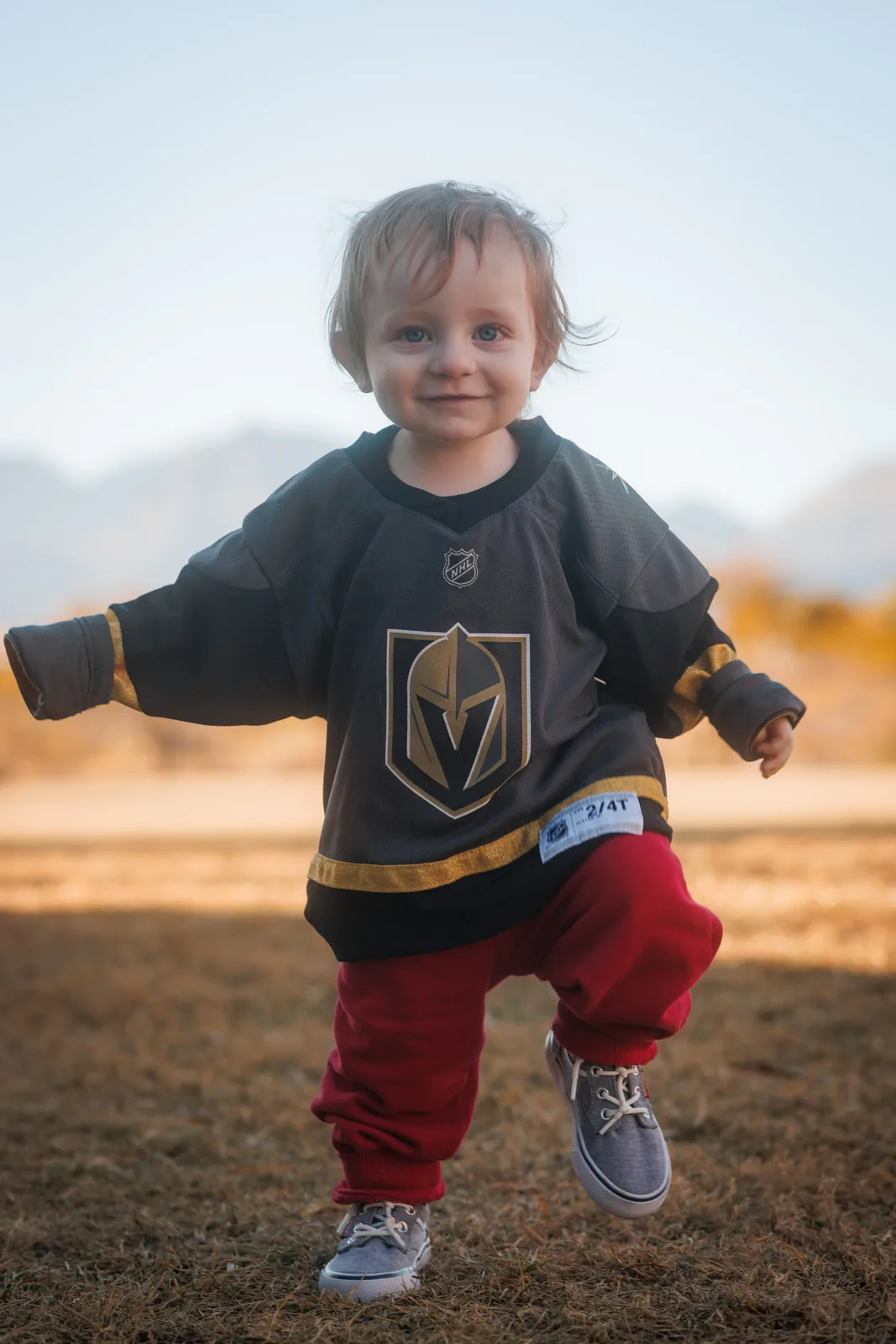
I shoot a lot of kids, and they move very fast. I keep the slowest shutter speed at 1/250 so I don't come home with blurry frames. Under about 1/100 people start to blur, and longer focal lengths need an even faster shutter to hide handheld shake. Stabilization helps, but not always.
Cap the ISO
I keep ISO between 100 and 1600. Above a certain point, depending on your camera, the noise starts to show. If you prefer full manual with auto ISO, put the same kind of limit on it.
Shoot wide open, or don't. Just know what you're getting
One of my lenses opens to f/2.8. Another opens to f/1.4. I also love my inexpensive, lightweight 50mm f/1.8; it doesn't come to many paid sessions, but it's fun to shoot. You'll hear that you need a fast lens, and in the next video that shooting wide open is a cliché. Both can't be the rule.
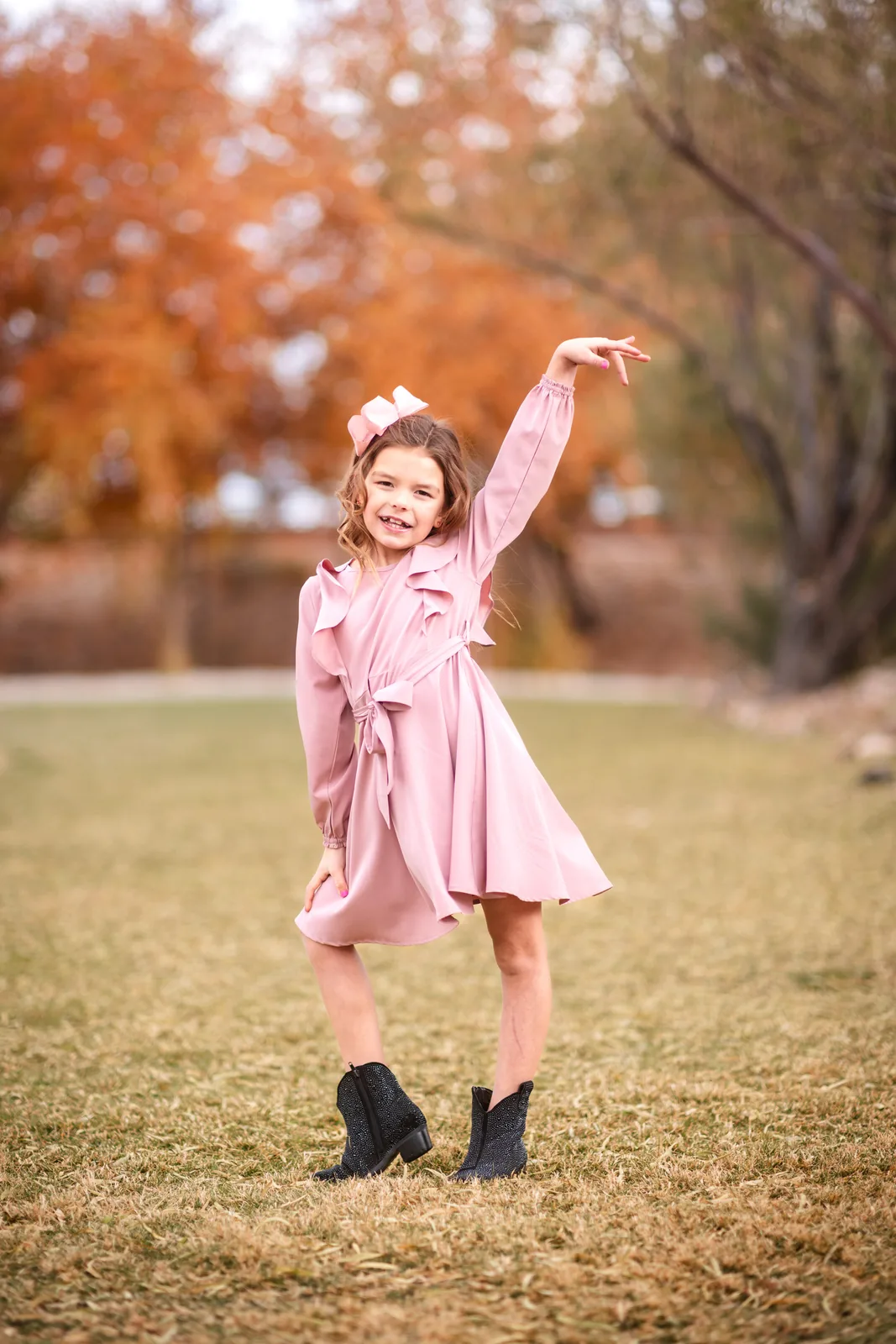
If you love that creamy, cinematic look, shoot wide open. That's your style. Just go in knowing that one eye might be sharp and the other might not, that the nose might end up as your focus point, and that in a couple or family photo one person may be in focus while another isn't. If you'd rather close down to f/8 or f/11, that's fine too. I go deeper into why I reach for prime lenses for portraits in another post.
Don't be afraid of the sun
A lot of people will tell you never to shoot into the sun or allow flare. Modern lenses have very good coatings, so some of mine are actually hard to flare. An older lens with a big front element flares much more easily.
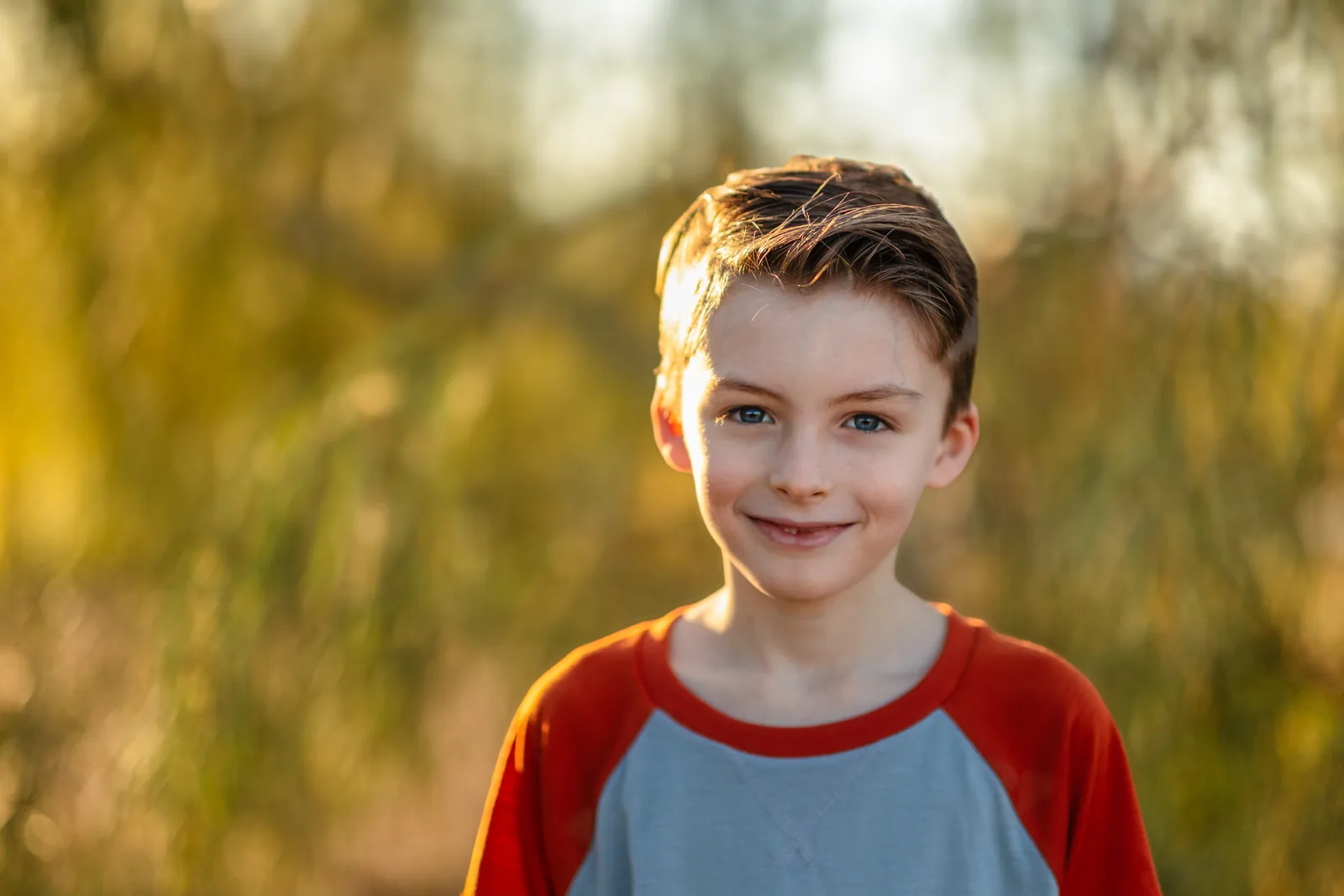
I like a flare. I like the warmth and energy of a little light bouncing around inside the lens. If you put the sun behind your subject, expect some flare, then use it. You can usually see it in the viewfinder, and very small adjustments move it where you want it. Backlighting, flare, and silhouettes are all ways to build a style from natural light, and I cover more of that in my post on natural light photography and why golden hour works so well.
Not every client will love that look. If your portfolio consistently shows it and you're booking clients who do, you're fine. They know what your images look like.
Editing, presets, and the recipe analogy
I edit in Adobe Lightroom, and I use software mostly to even out exposure or fix something I did quickly during a busy fall weekend. Lightroom, Photoshop, Affinity Photo, Capture One, and the free options all have pros and cons. Try them. The software market keeps changing, so be ready to switch if something works better for you next season.
There's nothing wrong with buying presets. Plenty of photographers make creative, interesting ones. Just be honest about what they can do. A preset makes your photos look like someone else's. If you didn't connect with your client, the energy wasn't there, and your settings were off, no preset and no amount of AI will fix that.
When your settings are right and you've made a real connection, a preset gets you from RAW to delivery faster. Find one you like, pull it apart, figure out why you like it and what it changes about your files, then adjust it until it's your own. You can see where that editing time fits in my post on how long it takes to get edited photos back.
If the ingredients are bad, the recipe won't matter. Get good ingredients, find a recipe you like, and turn it into your own method.
The only rules I follow
Know your gear, including what it can and can't do. Communicate with your client and build rapport so they give you good energy. After that, the rest matters a lot less.
Better lenses, faster cards, and a stronger editing computer can all help. If you're curious what I carry, here's what's in my bag this fall. But you can make great images on an R5 with a 24-70mm f/2.8 or on an entry-level body with a 50mm f/1.8. Take what works for other photographers, leave what doesn't, and build it into a workflow that's yours.
Common questions
Do I need to switch camera brands to get professional results?
No. Every current camera from the major brands is capable of professional work. Learn the one you have.
Is it fine to shoot JPEG for portrait sessions?
I wouldn't. Compressed RAW keeps file sizes manageable and still gives you the room to recover highlights, shadows, and noise when you edit.
Is aperture priority professional?
Yes, as long as you understand the exposure triangle and set limits on what the camera controls. I normally keep mine at 1/250 or faster and ISO 1600 or lower.
Settings matter less than the people in the frame.
If you'd rather be on the other side of the camera, take a look at my portfolio and let's plan a session around the light.